


✨ Join over 460 other available streaming services, such as Amazon Prime Video, HBO, Disney+, Paramount and many more! 🌟 There’s something for everyone and no shortage of entertainment.
1. You can create a subscription from your personal space
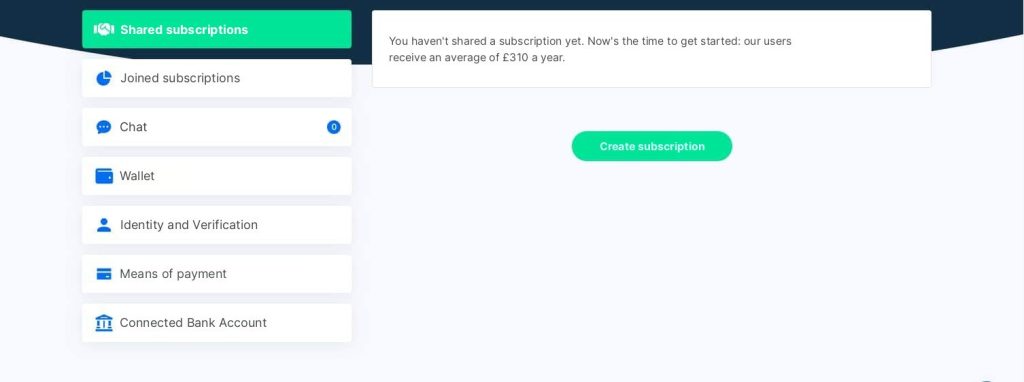
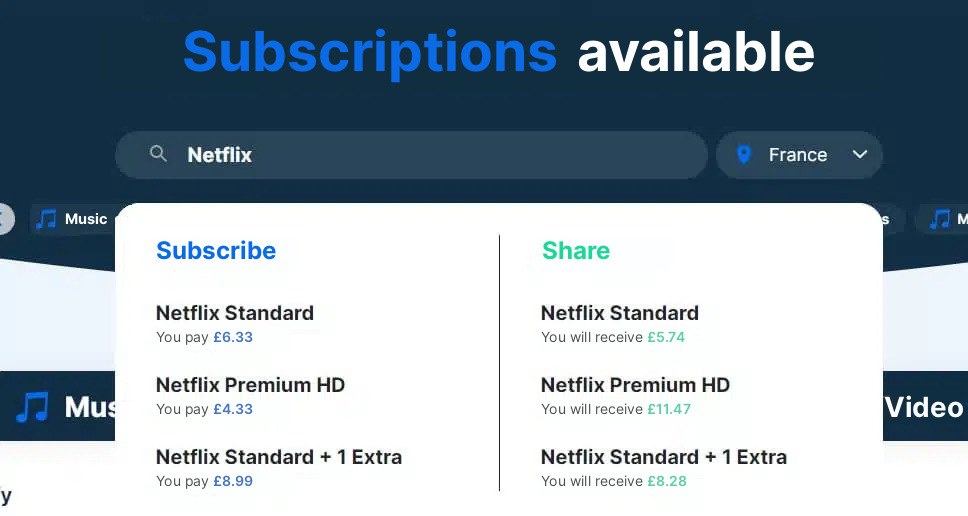
Or by typing the name of the subscription you wish to share in the Sharesub search bar, then select the one you wish to share in the “Suggest” section.
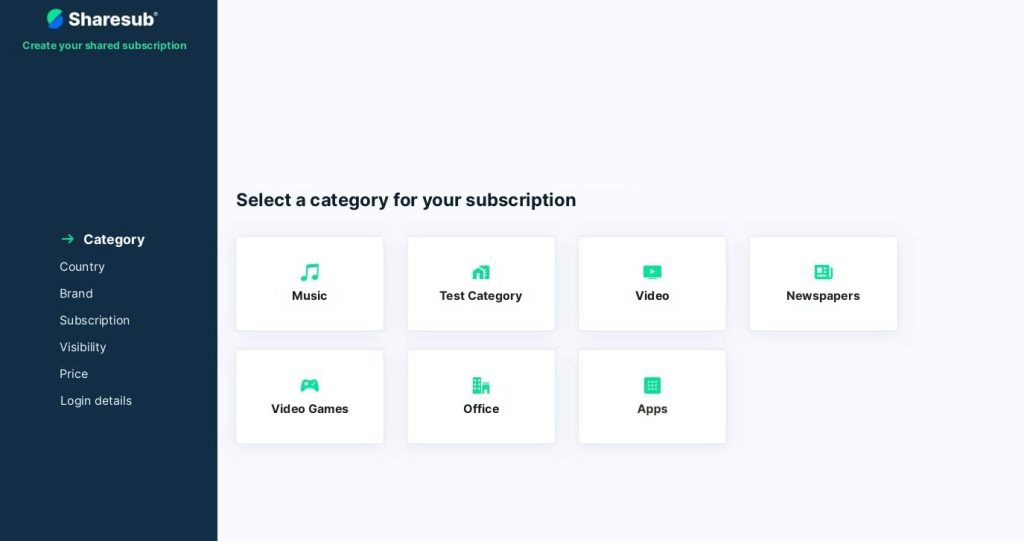
2) You must choose the category of the proposed subscription:
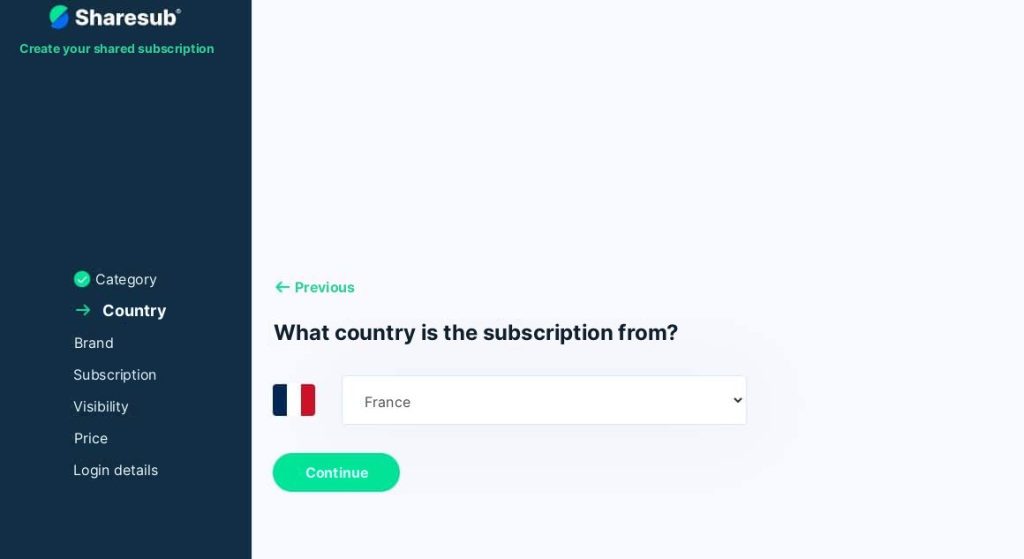
Select the country to which your subscription refers:
4) Then select the subscription you wish to share:
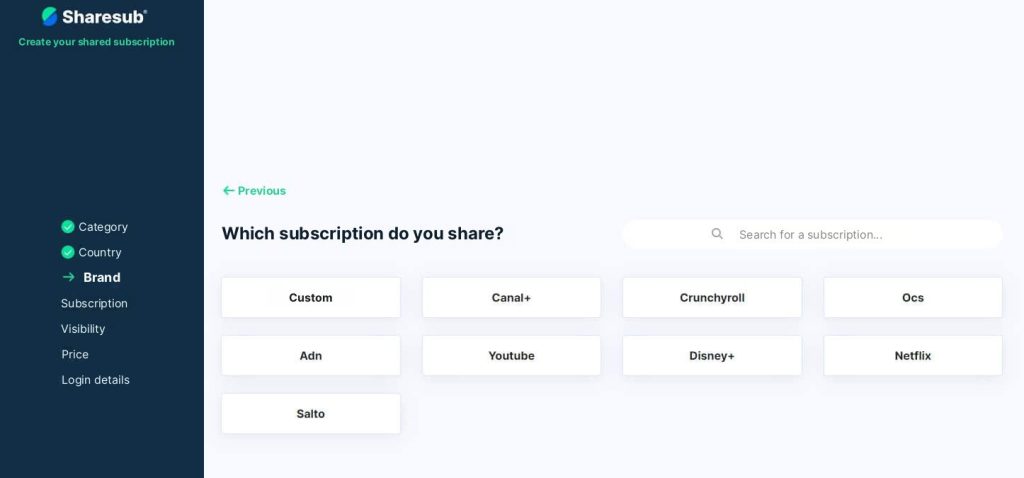
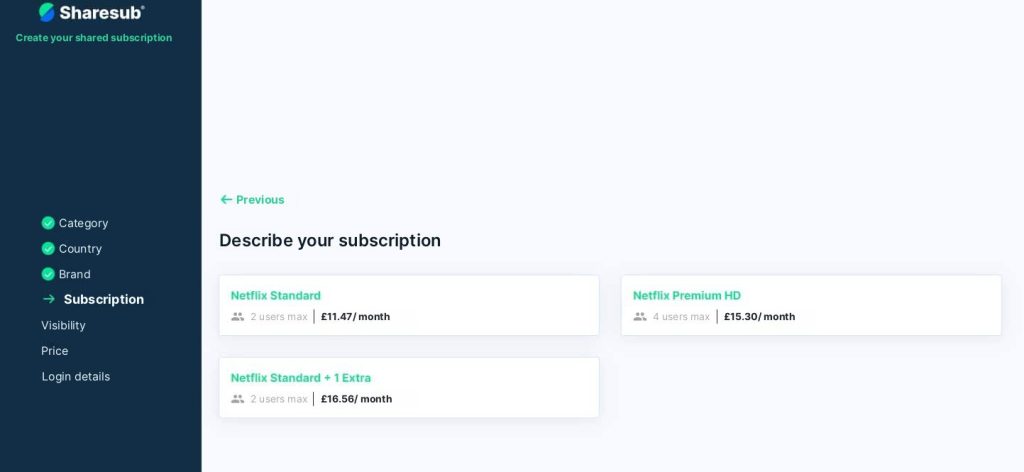
5.Select Netflix Standard/Premium subscription + 1/2 Extra(s)
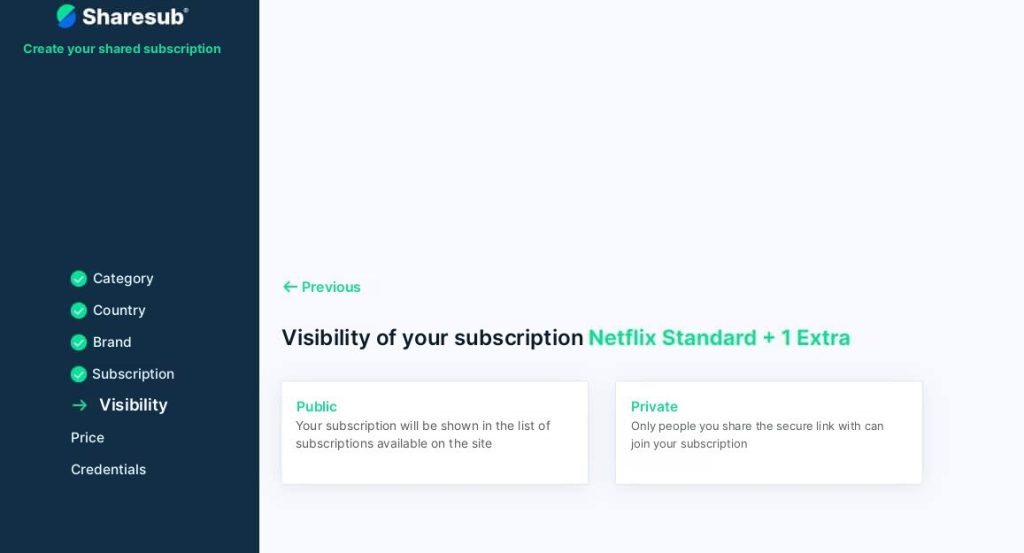
6.choose whether to make your subscription share public or private:
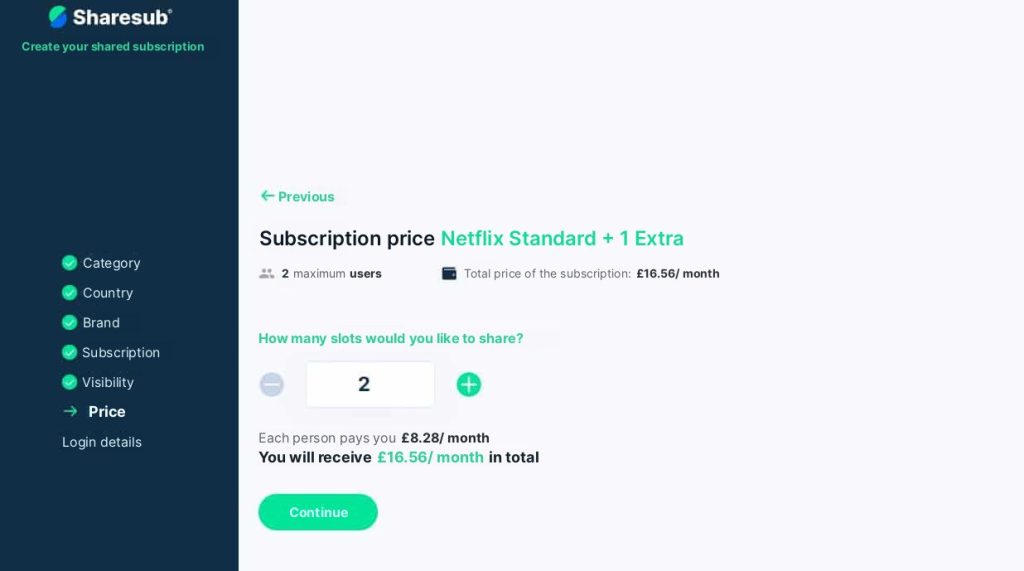
7 Set the price of your Netflix subscription according to the number of users you wish to share it with.
8 Finally, ask your co-subscribers to send you their e-mail address so that you can add them to the family group. 😄
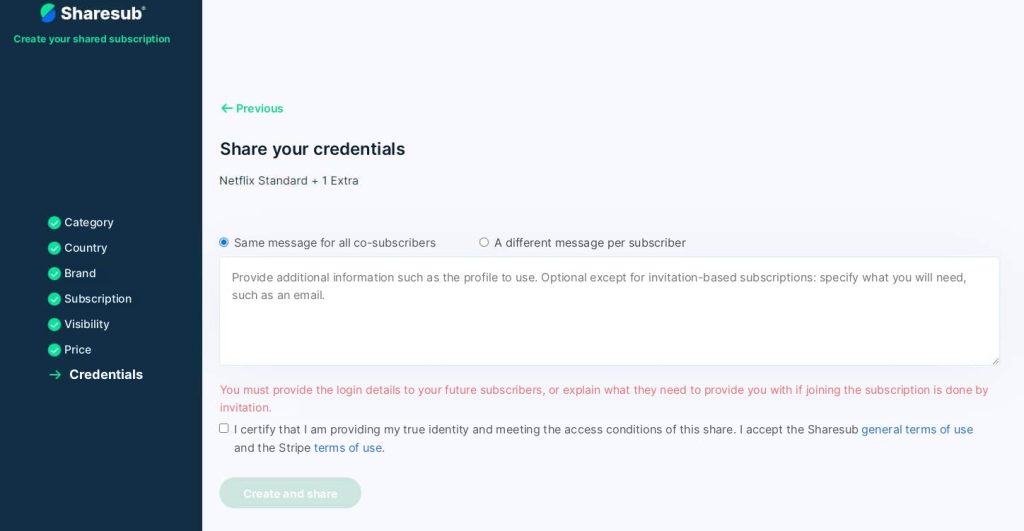
Our moderation teams check your proposed subscriptions daily to ensure their validity. Please fill in the required fields correctly so as not to delay the process.