


What is Amazon Prime in a few words?
Amazon Prime is a set of services offered by the giant Amazon. Subscribing to Amazon Prime gives you access to Prime Video, Amazon Music and Prime Reading.
The Amazon Prime subscription also offers you many advantages such as free and fast delivery (1 business day) and access to promotions and exclusive flash sales.
Two screens simultaneously are possible with Amazon Prime Video
Prime Video is a service offered by AMAZON. It is included in the Amazon Prime membership, which costs £8.99 a month or £95 a year and gives access to a wide range of series and films. Ads are shown by default, but you can remove them for an extra £2.99 a month. Football fans are not forgotten either: in the UK, Prime Video shows the top Tuesday-night Champions League match, at no extra cost for Prime members.
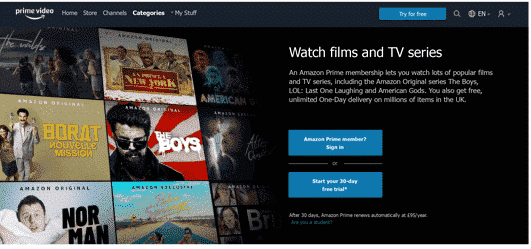
The platform also offers to buy or rent VOD available in store, with the aim of watching your favorite movies whenever you want, at any time of the year. And this even if it is not available on the platform. These videos, once purchased, remain available to all users. However, be careful with rental videos: they are available for 30 days, but once the viewing has started, there are only 48 hours left to see or review the video.
Share my AMAZON PRIME VIDEO safely
In order to entrust your AMAZON PRIME VIDEO codes safely, a few precautions should be taken. It’s really the same precautions you take when surfing the web: first, secure your passwords. One for each different application and of course, personal and complex enough to be safe. Second, share your credentials with people you trust and instruct them not to share them with others. For a convenient and secure solution, consider Amazon subscription sharing, where accounts created on Sharesub as well as owners’ identities are verified. Don’t hesitate to create generic profiles for the convenience of other users: “Children’s profile” will be perfect for other users’ kids. You can create up to 6 user profiles in PRIME VIDEO on the same account. But still with the possibility to read only on two screens simultaneously.
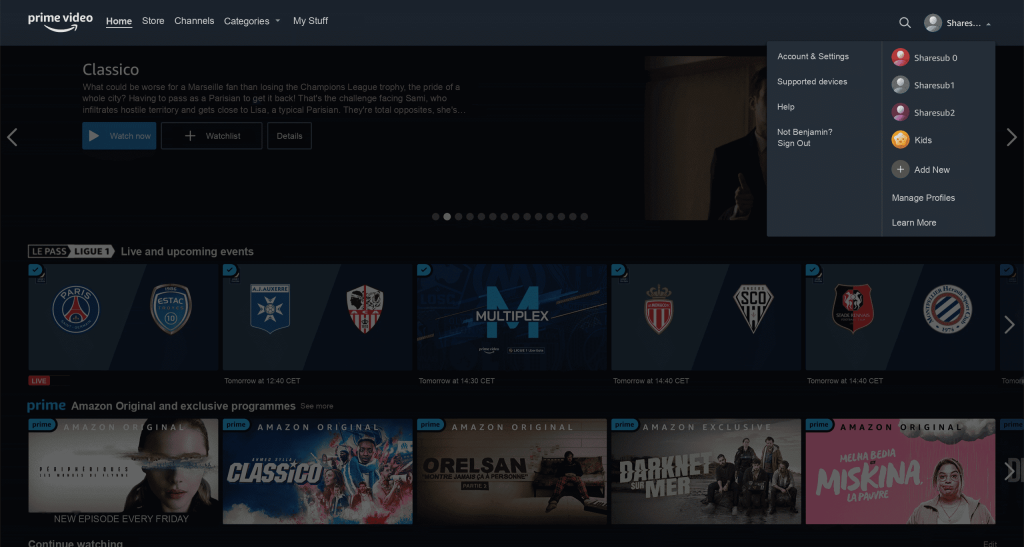
Connecting several people to PRIME VIDEO is easy
You want to have access to the platform and you don’t know how to do it? It’s simple!
To take advantage of one of the subscriptions available on the site, visit the website to consult the various offers.
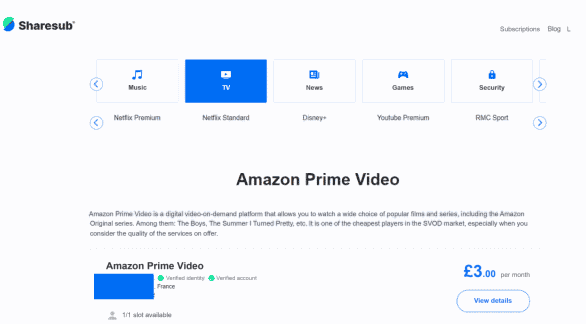
You can also be invited by one of your relatives or friends. If this is the case, you will receive a link that will take you directly to their ad. If not, don’t hesitate to consult the details of the offers and when one of them interests you, subscribe!
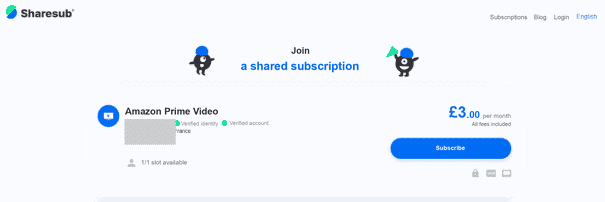
All you have to do is fill in your personal and bank details and you will receive via an encrypted message the identifiers and passwords provided by the user.
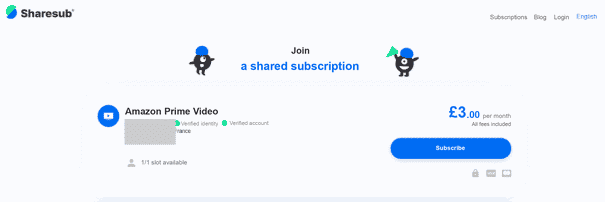
Prepare your next weekend, because hours of viewing await you!
You own your Amazon Prime Video subscription
Would you like to share the subscription fee? Register at.
Seven steps are required to share your subscription.
- Make your choice
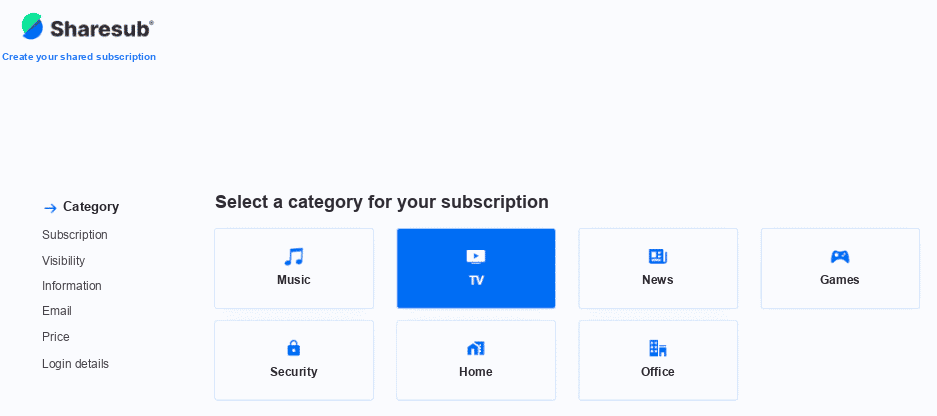
Select the category(TV, for PRIME VIDEO).
- What type of subscription?
Be careful when choosing your subscription: Sharesub lists each Amazon plan separately (for example Prime Video with or without ads), so pick the one you actually pay for. The amount you receive for each place depends on that plan and on the number of places you share, and you will see it in the next steps.

- Choose visibility
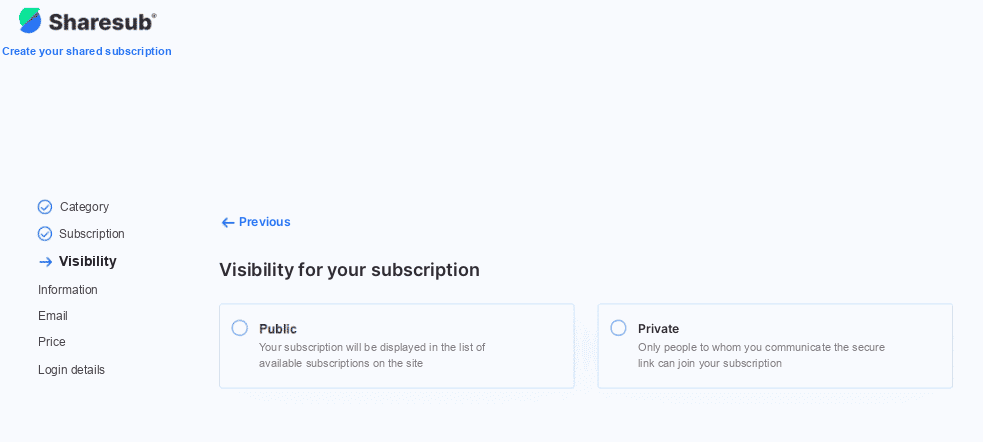
You can choose to share your subscription privately (with people you know) or publicly if you want to share it with other Sharesub users.
- Give details
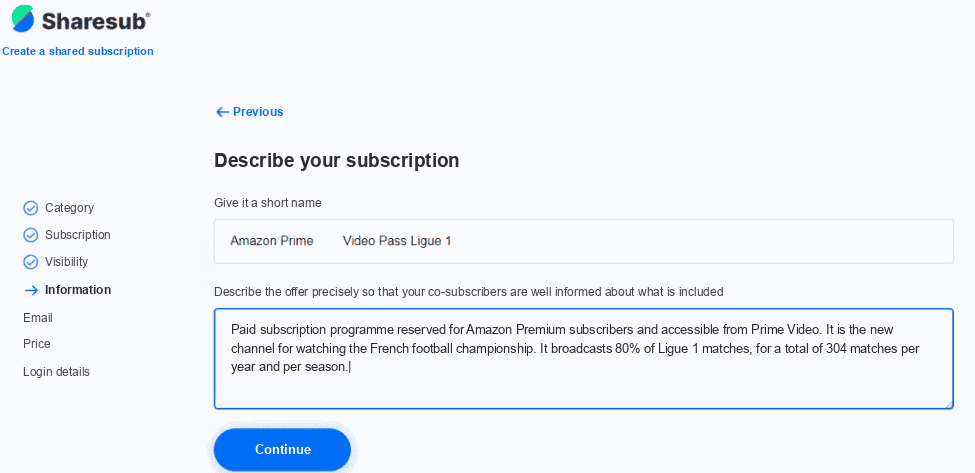
Quickly describe your subscription options and give it a name. To help you, a short description is provided by the site.
- Login information
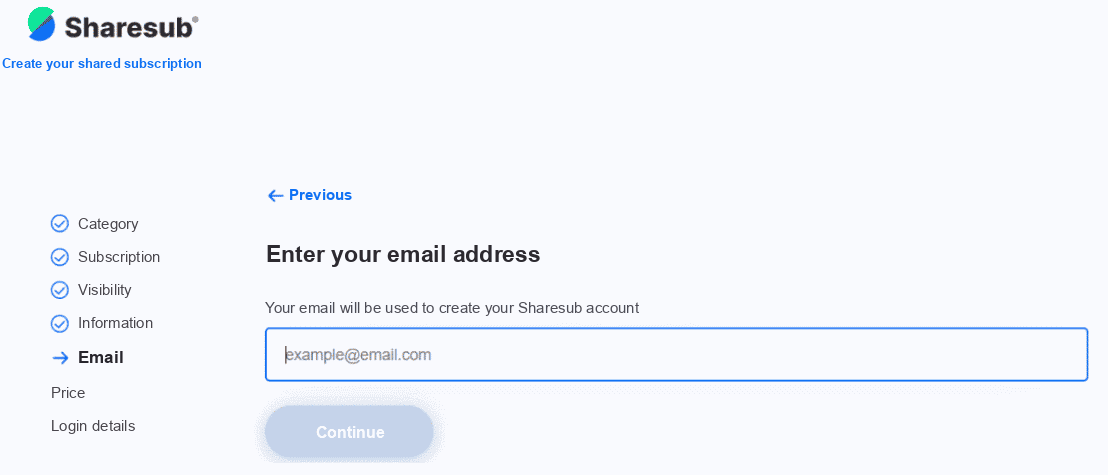
Fill in your email address. Be careful not to make any typing errors, it will be essential in case a user wishes to contact you.
- Your subscription settings
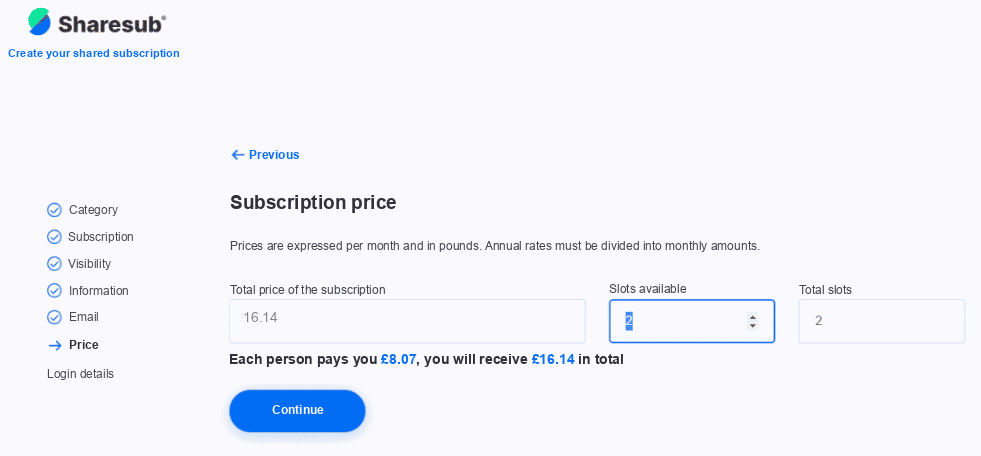
On this page, you will be able to consult the amounts you will receive according to the number of places you wish to make available to other users. Remember to save room for your own viewing!
- Login information
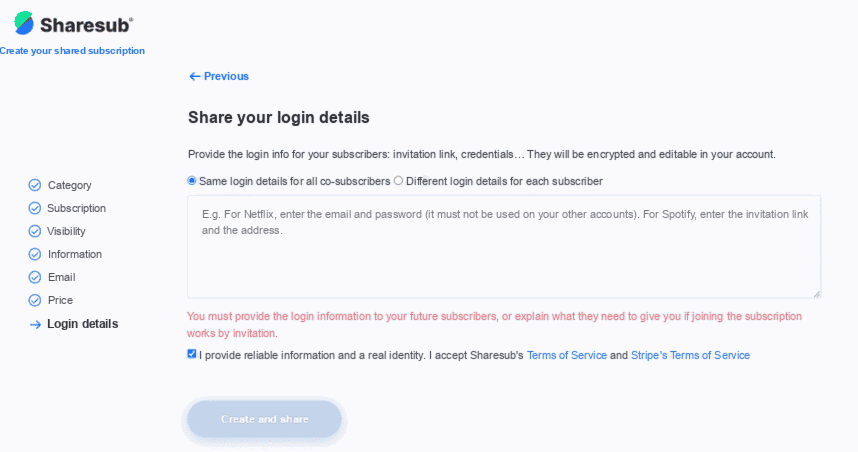
Share your login details! They will be encrypted, for security, and you will be able to change them in your account if you change your password or login. Don’t forget to check the terms and conditions!
Don’t hesitate and reduce your PRIME VIDEO bill by sharing the subscription fees!
The company AMAZON PRIME VIDEO
PRIME VIDEO was created in September 2006 by the Amazon group and is present in many countries. In the UK, it has been available since 2014, when it was still called Amazon Prime Instant Video. Prime Video has been producing original programmes since 2013 to better satisfy its customers. It is the second most subscribed streaming platform in the world: nearly 200 million in total! Its catalog is rich in content, suitable for children and their parents. Find series like The Boys or the Rings of Power that have made (and still make!) the success of PRIME VIDEO!