

When you log into your Netflix account, you can select the profile you want to use.
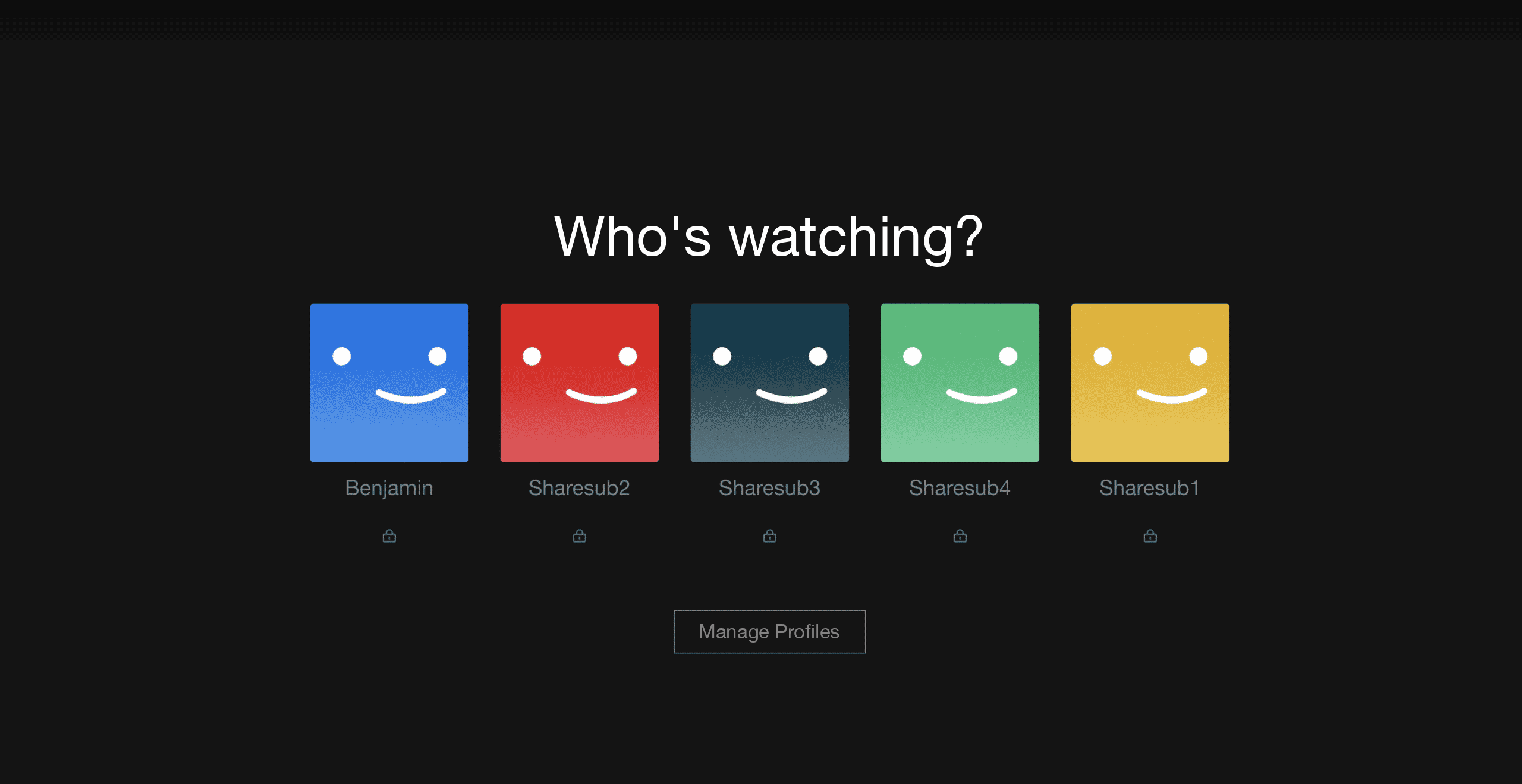
The first advantage of this is that you have a history of the movies and series you have watched, but also personalized suggestions based on your history. Netflix uses your tastes to offer you series and movies that you should like!
Each profile is personal, you can create up to 4 profiles for all your relatives, family members, friends and neighbors. On each profile you have the possibility to put a pin code of four digits to protect the access to your account if you don’t want to have the suggestions of your little sister at your next login 😉
How do I know if my Netflix profile is secure?
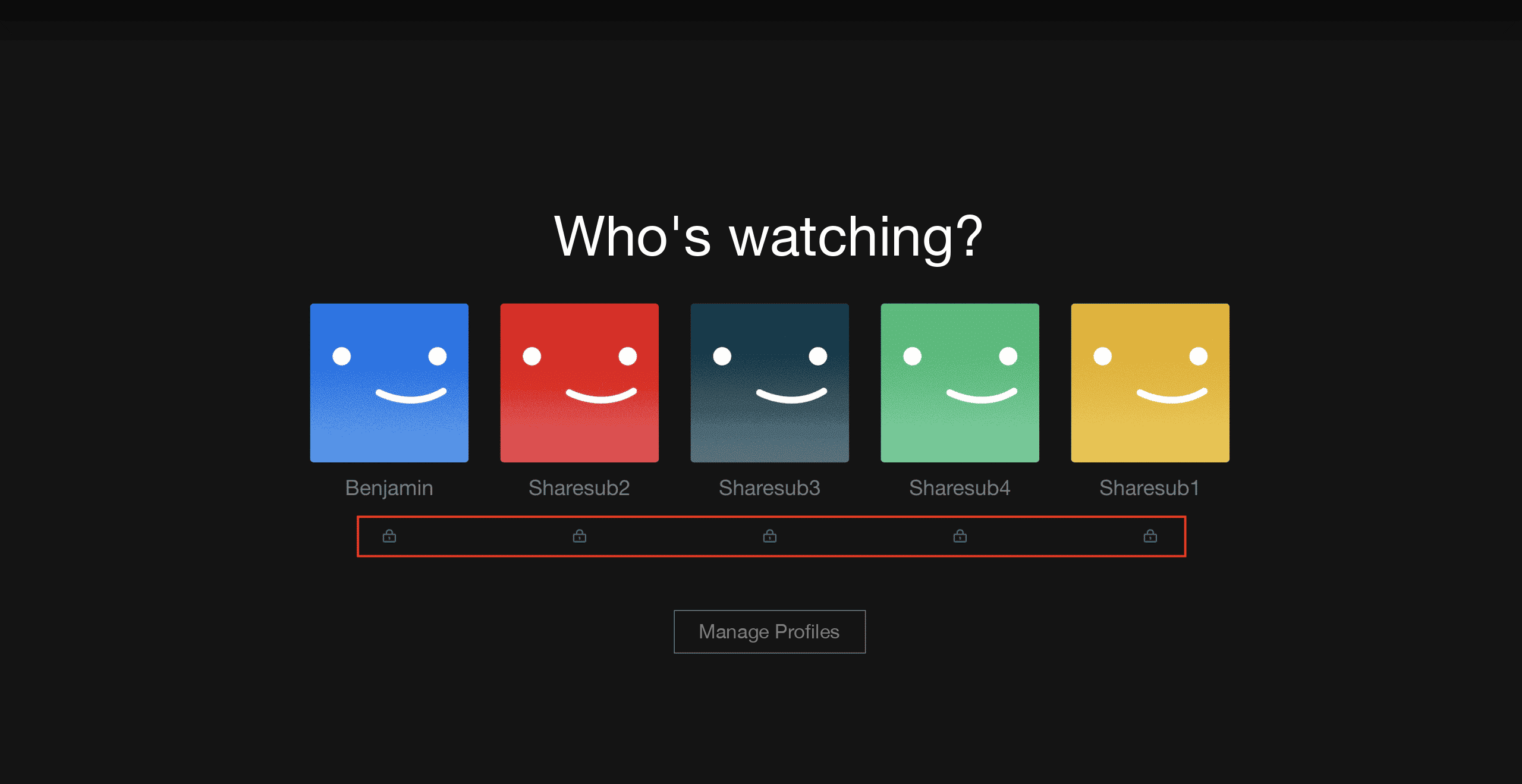
When you log in to your Netflix account, a small lock below your profile means that you will need to enter a 4-digit code to access your content.
How to put a code on your Netflix profile?
When you access your Netflix account, in the “Profiles and Parental Controls” section you have access to all the profiles in your Netflix account.
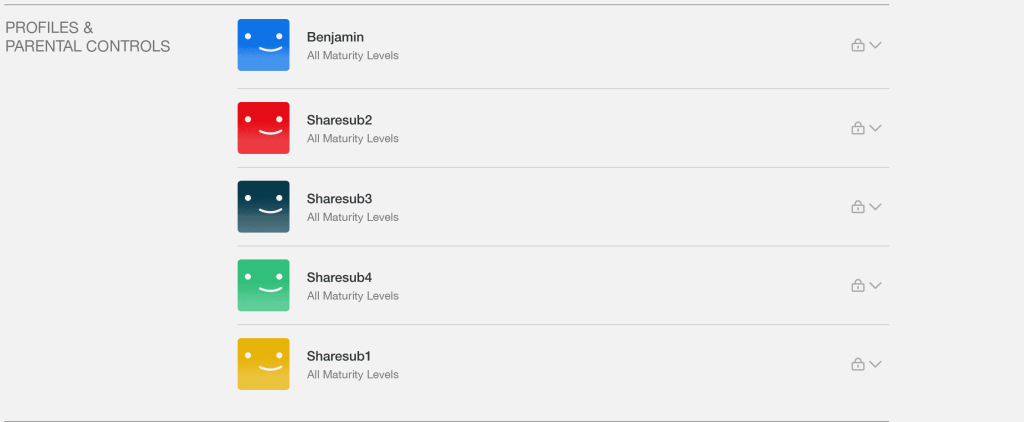
When you get to this section, by clicking on the chevron on the right, you will be able to access a whole bunch of options dedicated to the selected profile.
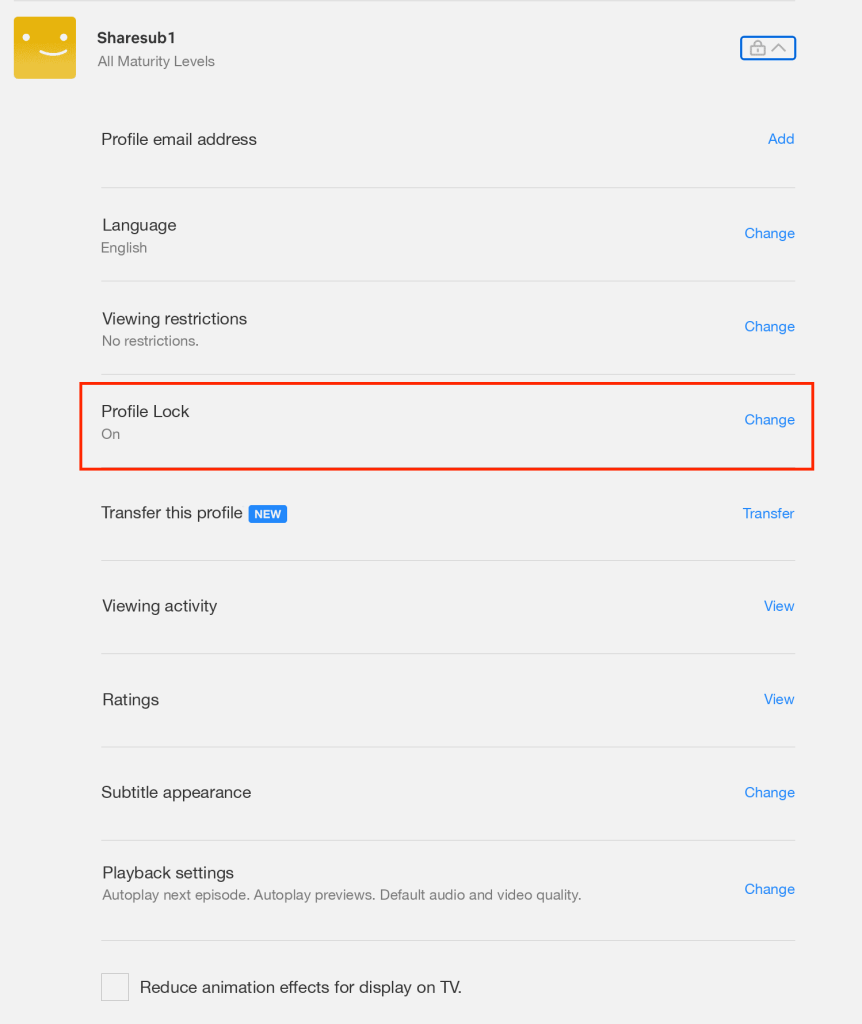
If you click on edit on the line “Profile lock” you will be able to add a pin code or change it. You will notice that in our case the pin code is already activated on the profile because there is the mention “Activated” under the section.
Once you click on “edit” Netflix will ask you to enter the (main) password of your account.
You will then be taken to the lock page of the selected profile
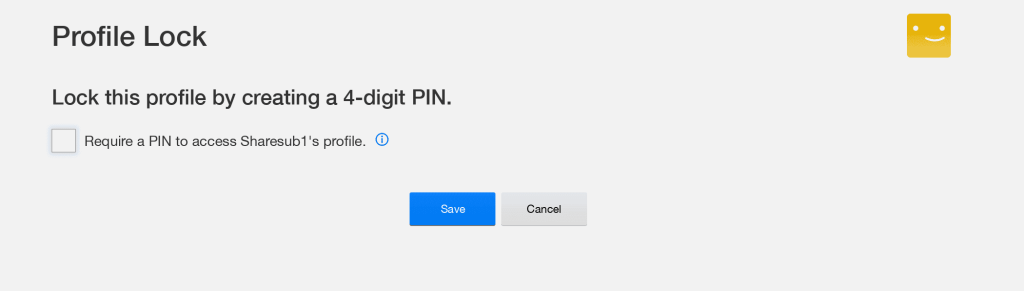
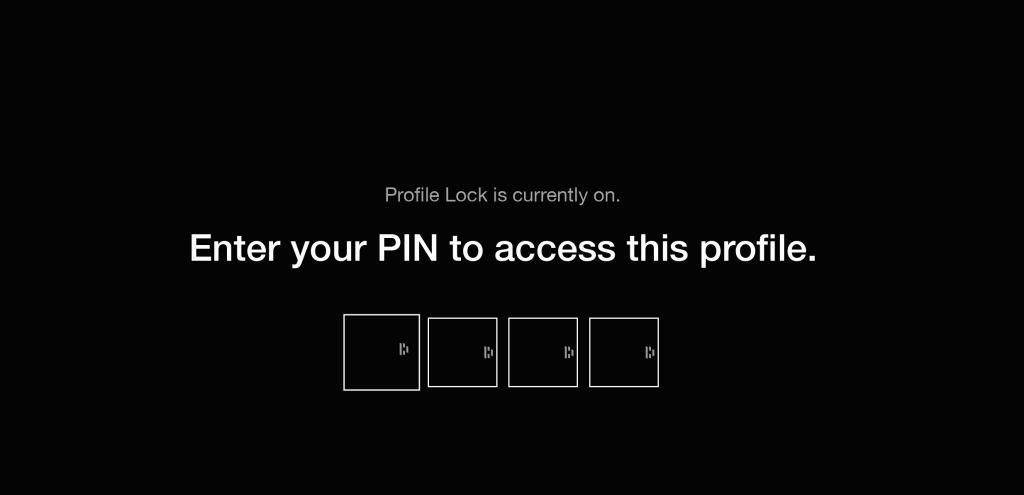
Check the box “Require PIN to access Sharesub1 profile” and then enter the pin you want to set to access your profile.
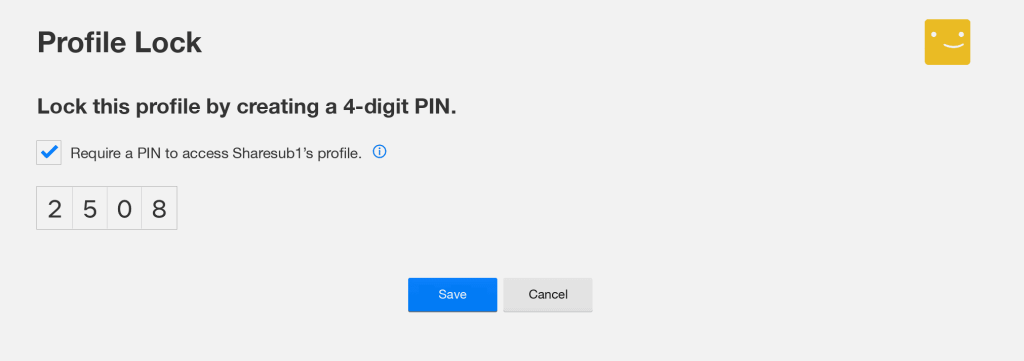
In our case it will be “2508”. Then click on the “Save” button and the next time you log in, you will be asked to enter the 4-digit pin code you just defined to access your profile.
How to share your Netflix account?
Now you’re ready to safely share your Netflix account and start saving an average of $300 💰
How to secure your subscriptions?
We share with you a set of tips and best practices to put in place as much as possible to protect all your accounts and data, to complement the protection of your Netflix profiles.