


You’ve just installed Crunchyroll on your TV or console, but to access your favorite anime you need to enter an activation code? In a few simple steps, we’ll explain how to enter this code and solve the most common problems.
Activate Crunchyroll step by step
Activating Crunchyroll follows a simple, two-step process. First, you launch the app on your device to retrieve a unique code. Then, you enter this key on crunchyroll.com/activate from your computer or phone – beware, it expires after a few minutes!
Where can I find the activation ID?
The activation key appears automatically on the screen as soon as you open the Crunchyroll application for the first time. No need to search through menus or settings!
This code appears on all compatible devices: your TV with Roku or Apple TV, your PlayStation or Xbox console, your Android smartphone, and so on. It generally takes the form of a series of letters and numbers, clearly visible in the center.
You’ll see it accompanied by instructions directing you to crunchyroll.com/activate. The application remains on this activation screen until you complete the procedure.
If the combination is not displayed, check that your device is connected to the Internet. Without a connection, it cannot communicate with Crunchyroll’s servers to create your unique code.
💡 Reduce your costs with Crunchyroll subscription sharing via Sharesub. Enjoy a legal and secure way to access the entire Crunchyroll catalog – easily sharing your subscription with other enthusiasts.
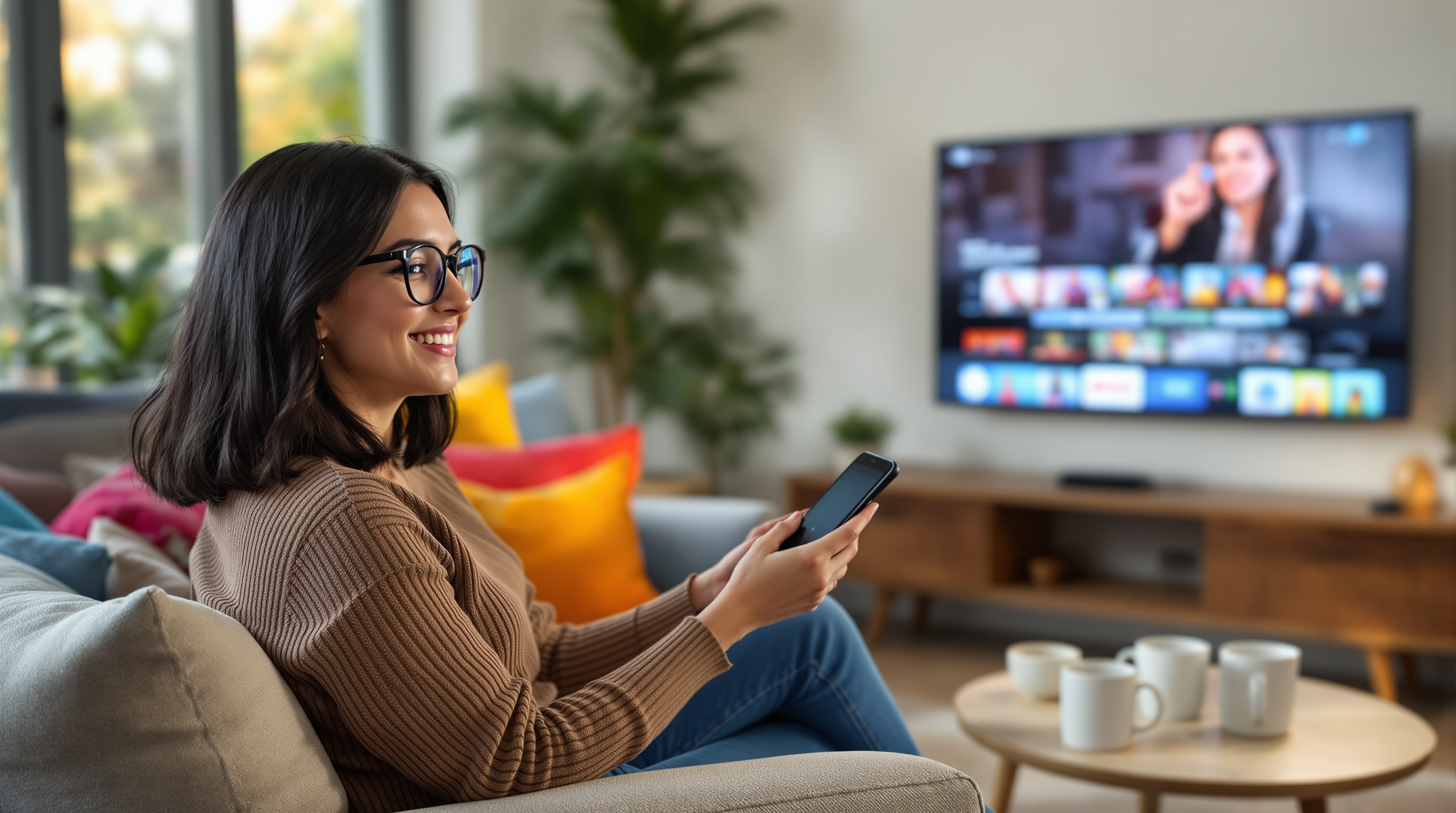
Which devices are compatible with the platform?
Crunchyroll works on most of the connected devices you have at home. You can watch your anime on :
- Smart TV: Samsung, LG, Sony and other recent brands
- Game consoles: PlayStation 4/5, Xbox One/Series X|S, Nintendo Switch
- Streaming boxes: Roku, Amazon Fire TV Stick, Apple TV, Chromecast
- Android TV and other connected TV systems
The app is also available on smartphones and tablets (iOS and Android), as well as directly in your web browser on a computer.
For older TV sets, don’t panic. A simple, inexpensive streaming stick like the Fire TV Stick is all you need to turn any screen with an HDMI port into a Crunchyroll platform.
Before buying a new device, simply check that the Crunchyroll app is available in its app store.
Common activation problems and quick fixes
Even though activating Crunchyroll is generally straightforward, a few problems may arise. Here’s how to solve them quickly.
Activation code not working? First, check your Internet connection. If it’s stable, it may have expired. Activation codes have a limited lifespan, usually just a few minutes. Go back and generate a new one.
Application crashes or stops responding?Restart it. This is often enough to resolve temporary bugs. If the problem persists, uninstall and reinstall Crunchyroll.
Crunchyroll is not available in your country? Use a VPN to bypass geographical restrictions. Choose a server in a country where the platform is accessible, such as the USA or Japan.
Activation screen stuck?Clear the cache in your device settings. On some devices, you can also force the application to shut down before relaunching it.
These solutions solve most activation problems. If nothing works, please contact Crunchyroll support directly.