

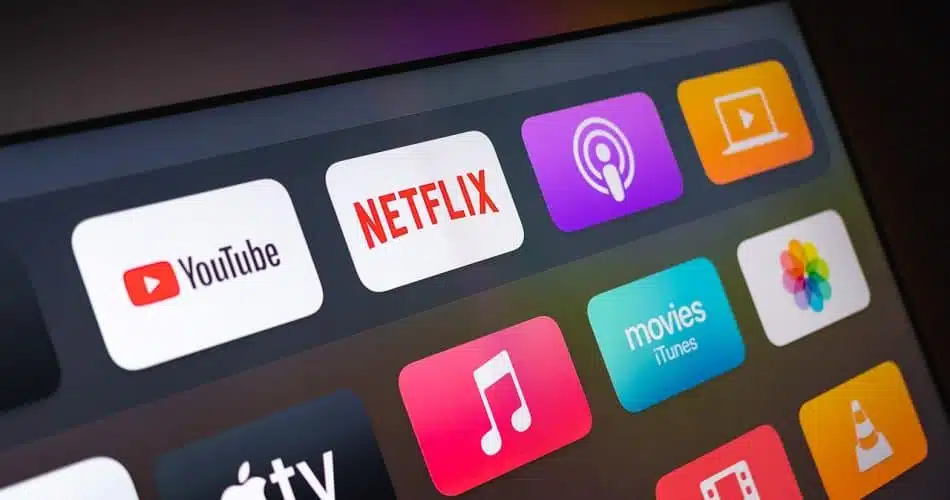
Netflix has implemented new restrictions and sharing modes since the end of May 2023. In 2024, however, it will still be possible to enjoy Netflix on all devices. We explain the solutions.
💡Sharesub is a legal and secure platform that makes it easy to share Netflix subscriptions, allowing you to lower your monthly costs. It’s the perfect solution for enjoying your favorite services without exceeding your budget, while maintaining a quality Netflix experience. Join a sharing group or offer your available seats to share the cost with other users.
What restrictions are in place?
Currently, Netflix has implemented restrictions on account sharing only for connected TVs. This strategy appears to allow the platform to identify the Internet network associated with a specific household.
However, these limitations do not apply to other types of device. This flexibility is designed to accommodate users on the move or accessing the service from different locations. So, for the time being, you can use your account without constraint on mobile devices such as smartphones, tablets, laptops or desktop computers.
How can I continue to watch Netflix on my TV?
Whether on an Apple device (iPhone, iPad, Mac etc …) or an Android device (Smartphone, Tablet etc …) you can project or cast your content onto your TV, without having to go directly to your TV. This will allow you to continue watching on the big screen, but with slightly less obvious comfort. You can also use an HDMI cable to connect a computer to your TV, which works just as well as your computer.
If this doesn’t suit you or doesn’t work for you, the alternative is to switch to the new account sharing mode.
The new way to share Netflix accounts
We’ve written a detailed article on the subject, which you can read below. In short, this new way of sharing brings you, for a subscriber price of around €8/month :
- Your own login and password, to keep your information confidential
- A video stream just for you
- All the benefits of Netflix Premium: Maximum quality 4K picture, highest quality sound
- And no ads!
To find out more, read the related article. And if you want to switch to this sharing mode, ask the organizer of your share and Sharesub customer service.


