


How to share your Audible account?
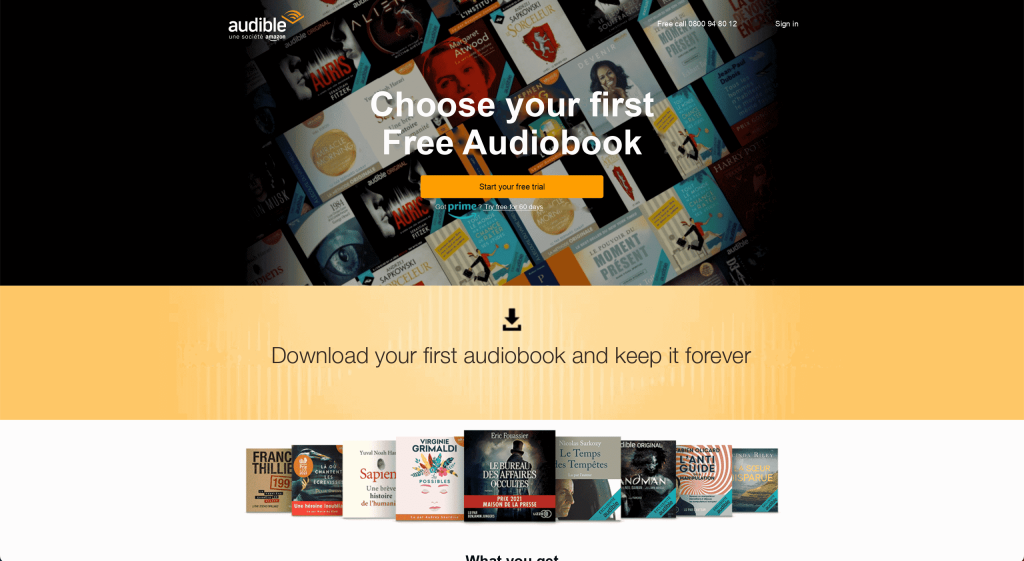
From now on, reading a book does not necessarily mean reading, listening also allows it. Indeed, for those who do not like reading, an alternative has been available for several years: listening to audio books. No need to open a book and turn the pages, a recorded voice does it for us, we just have to listen!
Audible, an alternative to reading
We all know a friend, a little brother, a nephew, a mother who hates to read and yet would like to devour the latest bestseller or the latest Booker Prize winner. The Audible platform has set itself the goal of providing an offer adapted to this audience! Overview.

What does Audible allow?
Audible offers a huge selection of books for all tastes, with more than 500,000 titles in total! Stephen King’s latest thriller, the Harry Potter saga, Michelle Obama’s autobiography “Becoming” and Richard Osman’s bestsellers are just some of the books available on the platform.
The books are read by famous voices, such as Stephen Fry for the Harry Potter series, or by their authors themselves, as Michelle Obama does with “Becoming”.
How to listen to Audible and which subscription to choose?
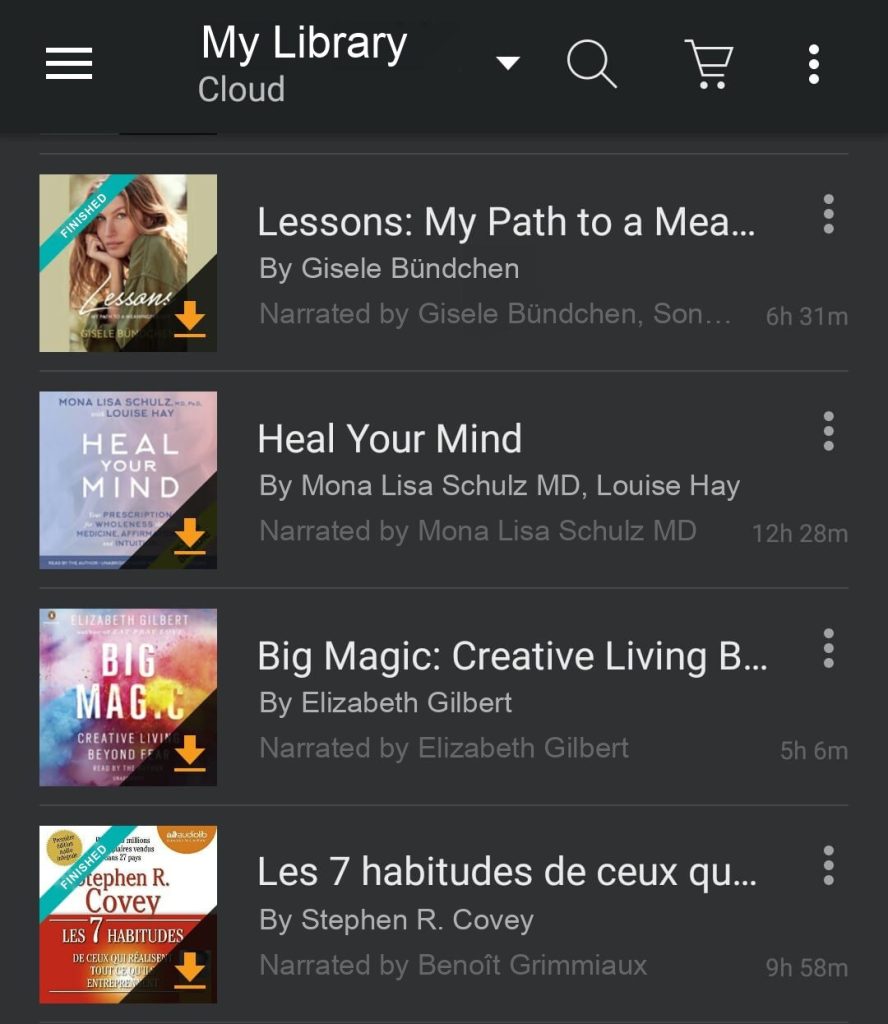
As Audible is an Amazon company, all you need to do to get started is create an Amazon account, in complete security, on the Audible.co.uk website, or download the Audible app, available on the App Store and Google Play.
Audible currently offers three plans:
– Premium Plus at £8.99/month: this is the platform’s flagship plan. It gives you 1 credit a month to buy a title of your choice, download it and keep it in your library, even after you cancel. The free trial lets you choose a free audiobook!
– Premium Plus annual at £69.99/year: you get 12 credits for the year, i.e. 12 titles to download and keep in your library even after cancelling, which works out at about £5.83 per credit instead of £8.99.
– Standard at £5.99/month: the cheaper entry-level plan.
How to share your audible account?
There are two different ways to share Audible’s content in order to save money, by sharing downloaded books or simply by sharing your account with other users, because for the moment, the company Audible does not offer the creation of several profiles for the same account.
Book sharing
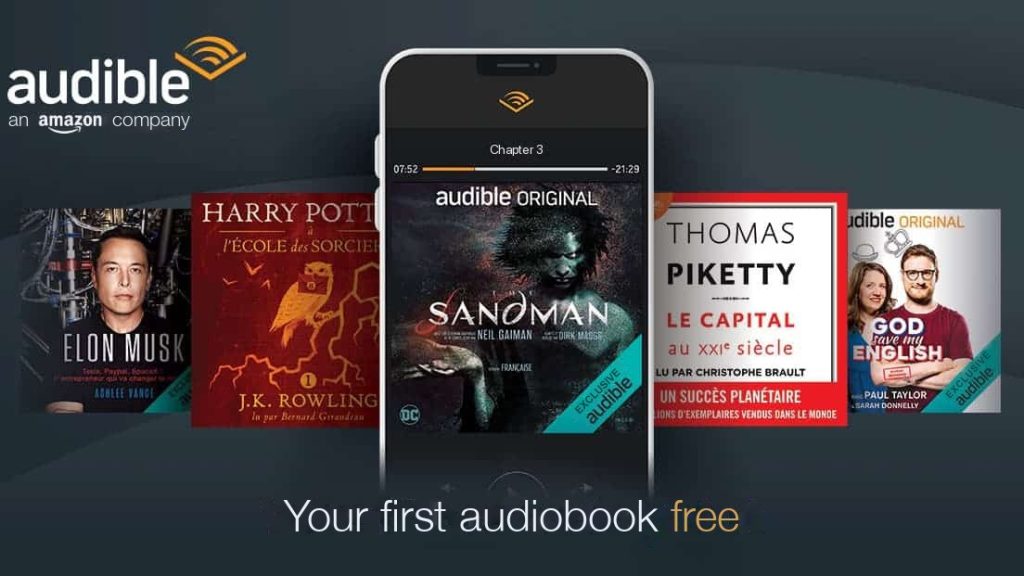
The Audible app got a new feature in 2016 called “Share this audiobook.” This feature allows you to share one or more audiobooks from your Audible library with your friends and family. The recipient of the share does not need to have a subscription to receive it, he will be able to listen to it simply by downloading the application. The audible account holder will be able to share his favorite track by e-mail, Facebook, sms and Whatsapp in one click.
To share a book, simply follow these steps:
- Open the audible application,
- Go via the menu to “my library”.
- Among the downloaded audios, click on the one you want to broadcast,
- Press the three-dot icon at the top right and select “Send this book”.
Account sharing
Then, to share an Audible account, you have two options:
- You can simply and legally share your Amazon account access codes with the people you want and they will be able to connect to your Audible account. Your loved one will then simply have to download the application and enter the passwords for your account.
Rest assured, there is no security risk with account sharing: the confidential information attached to the account cannot be modified by a user! - Finally, you can try the “Amazon Household Sharing” option to share an Audible account and its content with someone who also has an Amazon account. The security and privacy of your account will always be maintained.
Time needed: 3 minutes
Share your Audible account in 3 steps:
- Create a household
From your Amazon account, head to the ” Manage your content and devices ” option.
Under the “Preferences” tab, choose the “Households and Family Library” menu.
You must select the “Add Adult” option that you will see under the “Households and Family Library” option.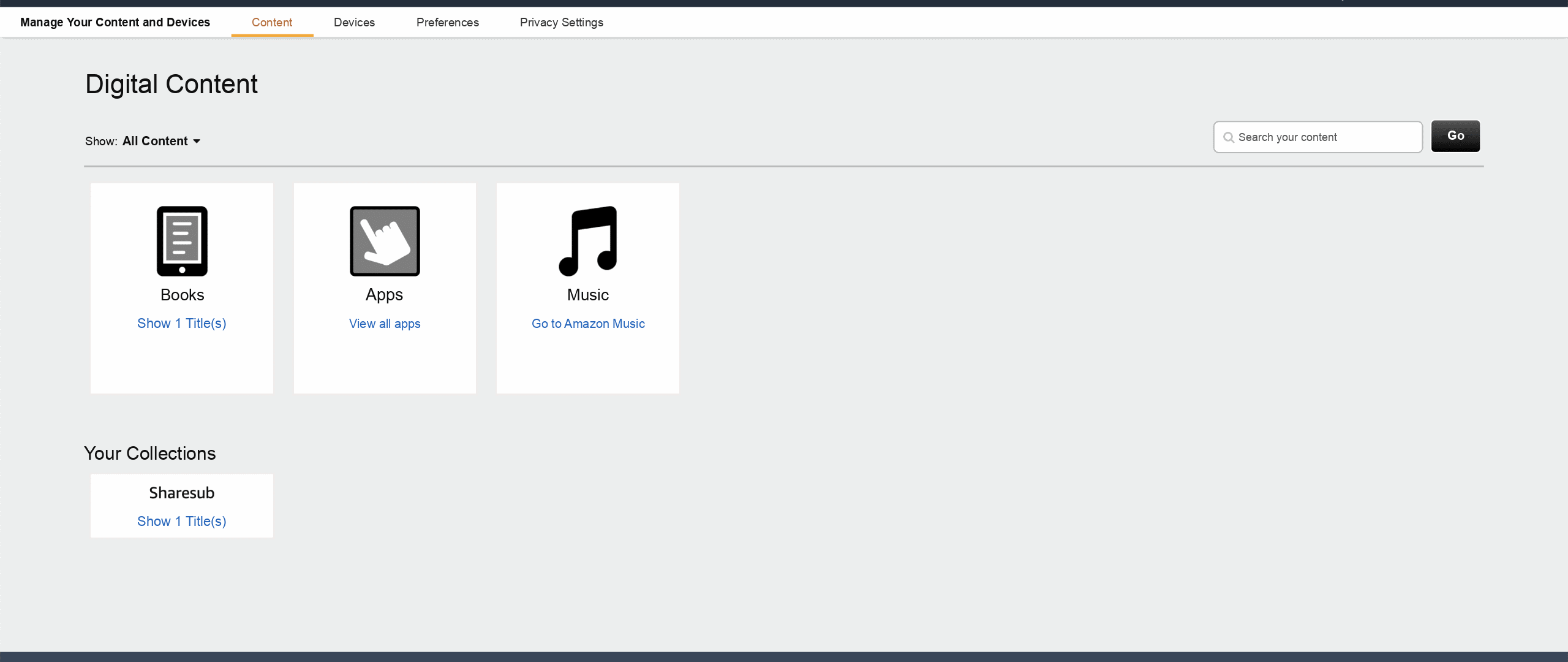
- Share your content
After setting up your Amazon Household and enabling the Family Library, you can now share any content by clicking on Share Audiobook. All members of the household will be able to access any shared content.
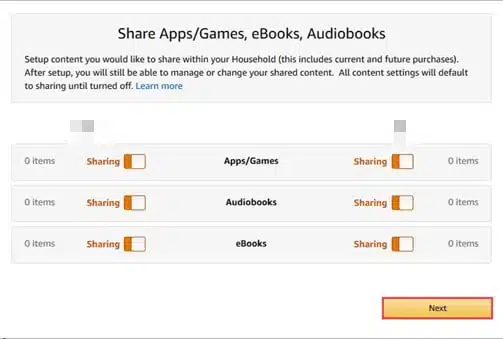
After setting up your Amazon Household and enabling the Family Library, you can now share any content by clicking on Share Audiobook. All members of the household will be able to access any shared content.

How can I save money with account sharing?
Don’t wait any longer and submit your Audible account on Sharesub. Sharesub is the subscription sharing site that allows you to save money, in a legal and secure environment
Don’t have an Audible account? Join subscriptions available for sharing
The Audible Company
Audible, founded in 1995 and a subsidiary of Amazon since 2008, is now the leading provider of spoken audio information on the market. Audible was created to liberate “the emotional music of language”, and “to introduce a new dimension of listening and to remind the importance of verbal expression”. Its advantage over the competition is that Audible content brings together 200,000 audio programs provided by book, magazine and press publishers, as well as original creations.